Build Your Own AI SQL Assistant with LangChain and Ollama
Ask questions in plain English. Get answers straight from your database — no cloud APIs, no subscriptions, no data leaving your machine.
Why Build This?
Not everyone on your team knows SQL — but everyone has questions about the data. "Which product made the most revenue last quarter?" "What were our monthly sales trends?" Normally, that means pinging a data analyst or writing the query yourself.
What if you could just ask?
In this post, I'll walk through how to build a fully local AI SQL Assistant using LangChain and Ollama. It takes a natural language question, converts it into a SQL query, runs it against your database, and returns the answer — all without sending a single byte of your data to an external API.
What You'll Need
- Python installed
- Ollama installed and running locally
- A SQL database (SQLite is used in this example, but this works with Postgres, MySQL, and others)
langchain,langchain-community,langchain-ollama, andlangchain-experimentalinstalled via pip
Step 1: Connect Your Database
The first step is giving LangChain access to your database so it can understand your tables, relationships, and schema structure.
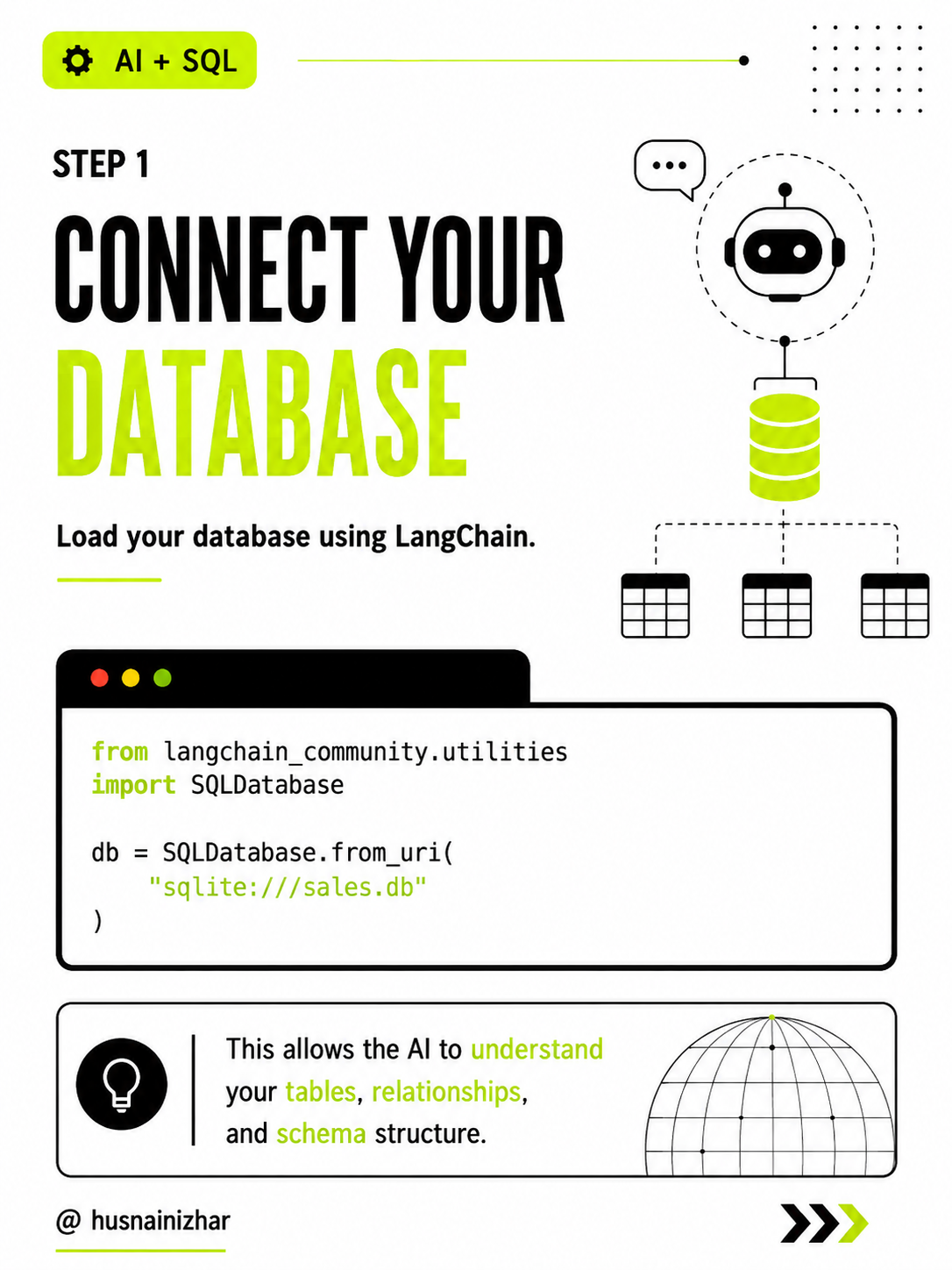
from langchain_community.utilities import SQLDatabase

db = SQLDatabase.from_uri("sqlite:///sales.db")
This single line does a lot of work behind the scenes — LangChain inspects your schema so the LLM has the context it needs to write valid queries later.
Step 2: Load a Local, Open-Source LLM
Instead of relying on a paid API like OpenAI, we'll run a model locally using Ollama. This means:
- No OpenAI API key — everything runs on your own hardware
- No subscription costs — it's free to use
- Your data stays private — nothing leaves your machine
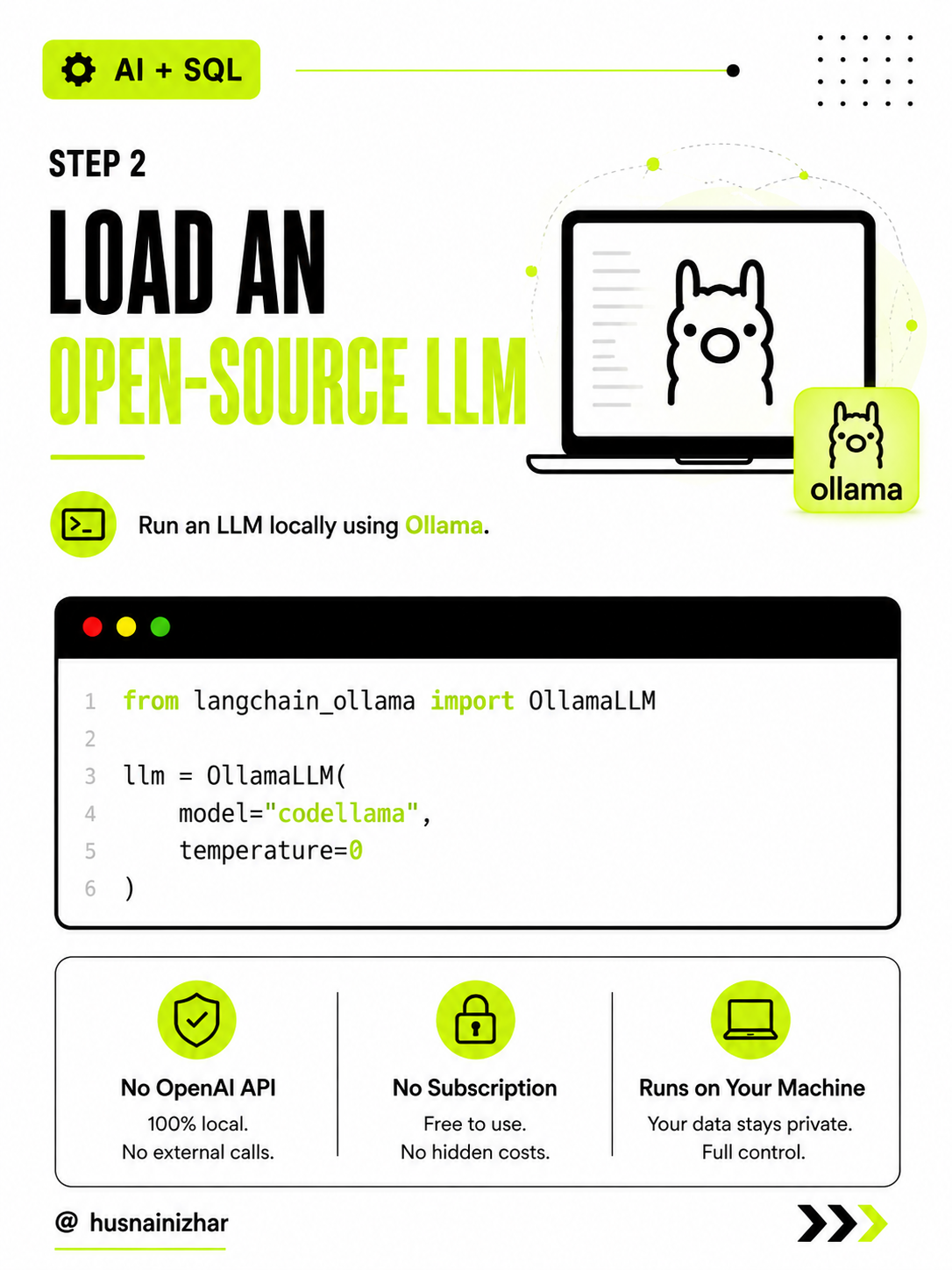
from langchain_ollama import OllamaLLM

llm = OllamaLLM(
    model="codellama",
    temperature=0
)
We're using codellama here since it's well-suited for generating structured code like SQL, and setting temperature=0 keeps the output deterministic and consistent.
Step 3: Create the SQL Agent
Now we connect the LLM to the database using a SQLDatabaseChain. This is what allows the AI to translate your English questions into SQL.
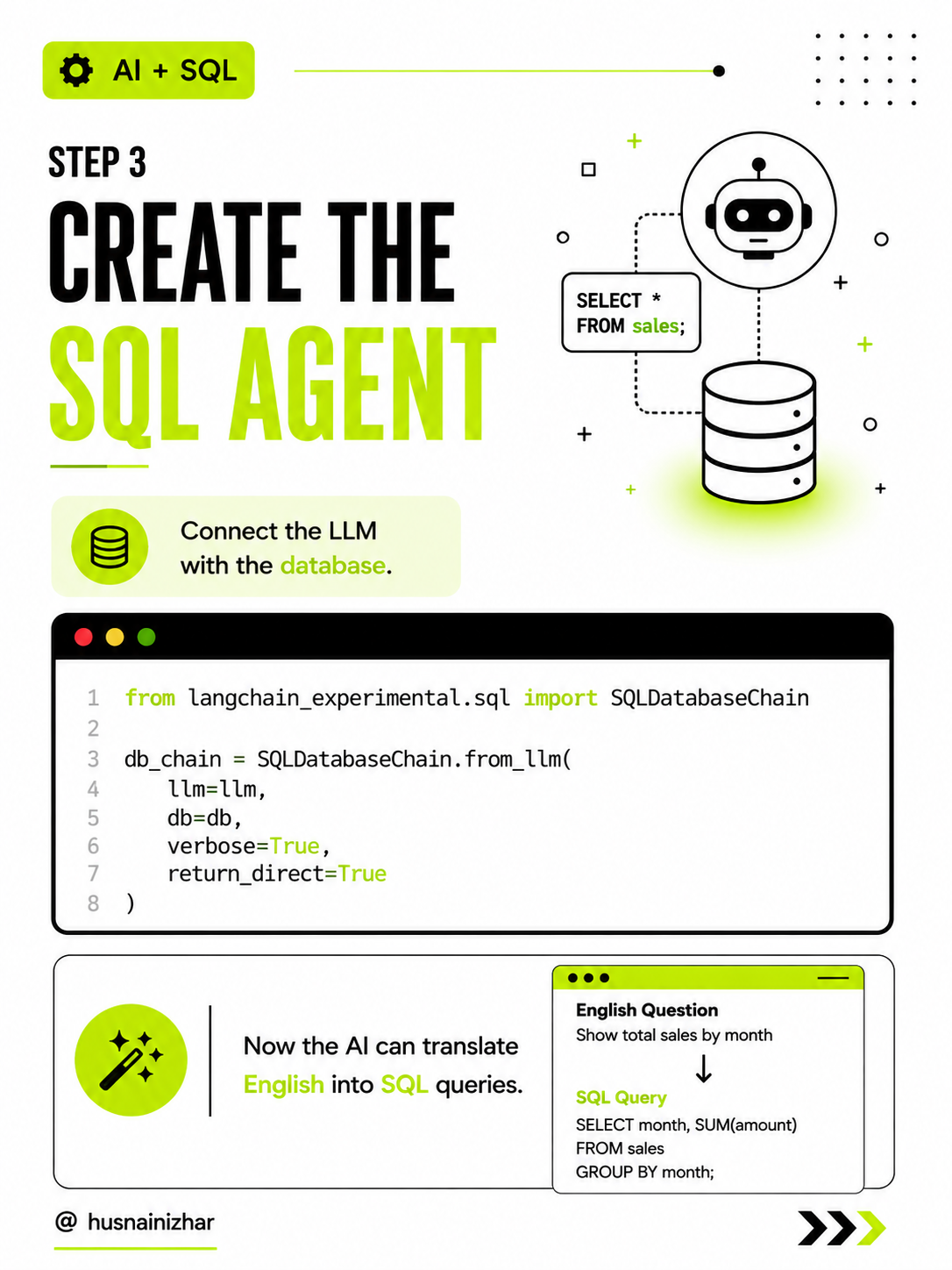
from langchain_experimental.sql import SQLDatabaseChain

db_chain = SQLDatabaseChain.from_llm(
    llm=llm,
    db=db,
    verbose=True,
    return_direct=True
)
At this point, the pipeline is complete: your natural language goes in, and a working SQL query comes out.
Step 4: Ask Your Question
Here's the part that makes it feel like magic. You ask a question in plain English, and the agent handles the rest.
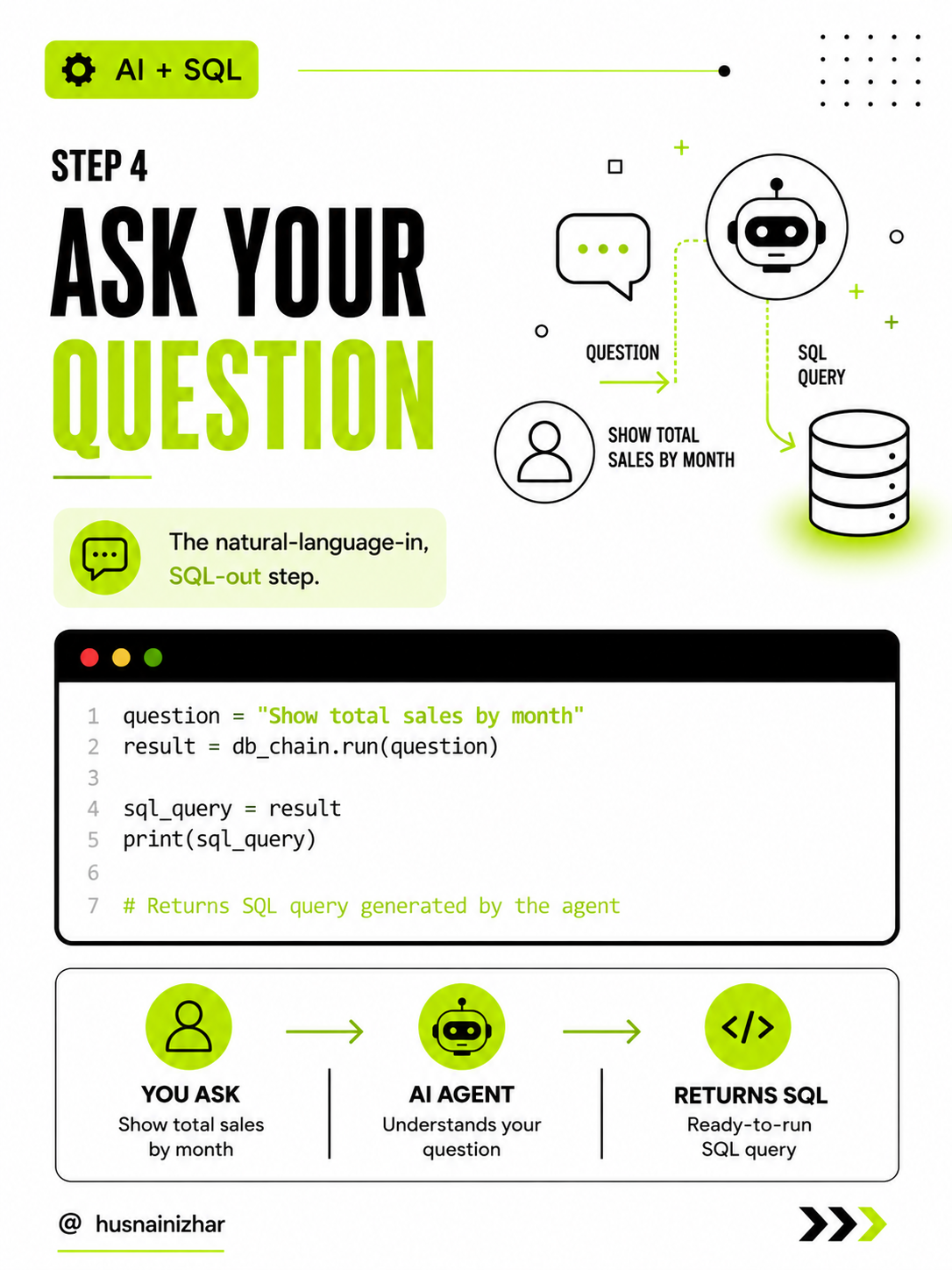
question = "Show total sales by month"
result = db_chain.run(question)

sql_query = result
print(sql_query)

# Returns SQL query generated by the agent
Behind the scenes, the flow looks like this:
You ask → AI agent understands your question → Returns ready-to-run SQL
Step 5: See It in Action
Let's try a real example.
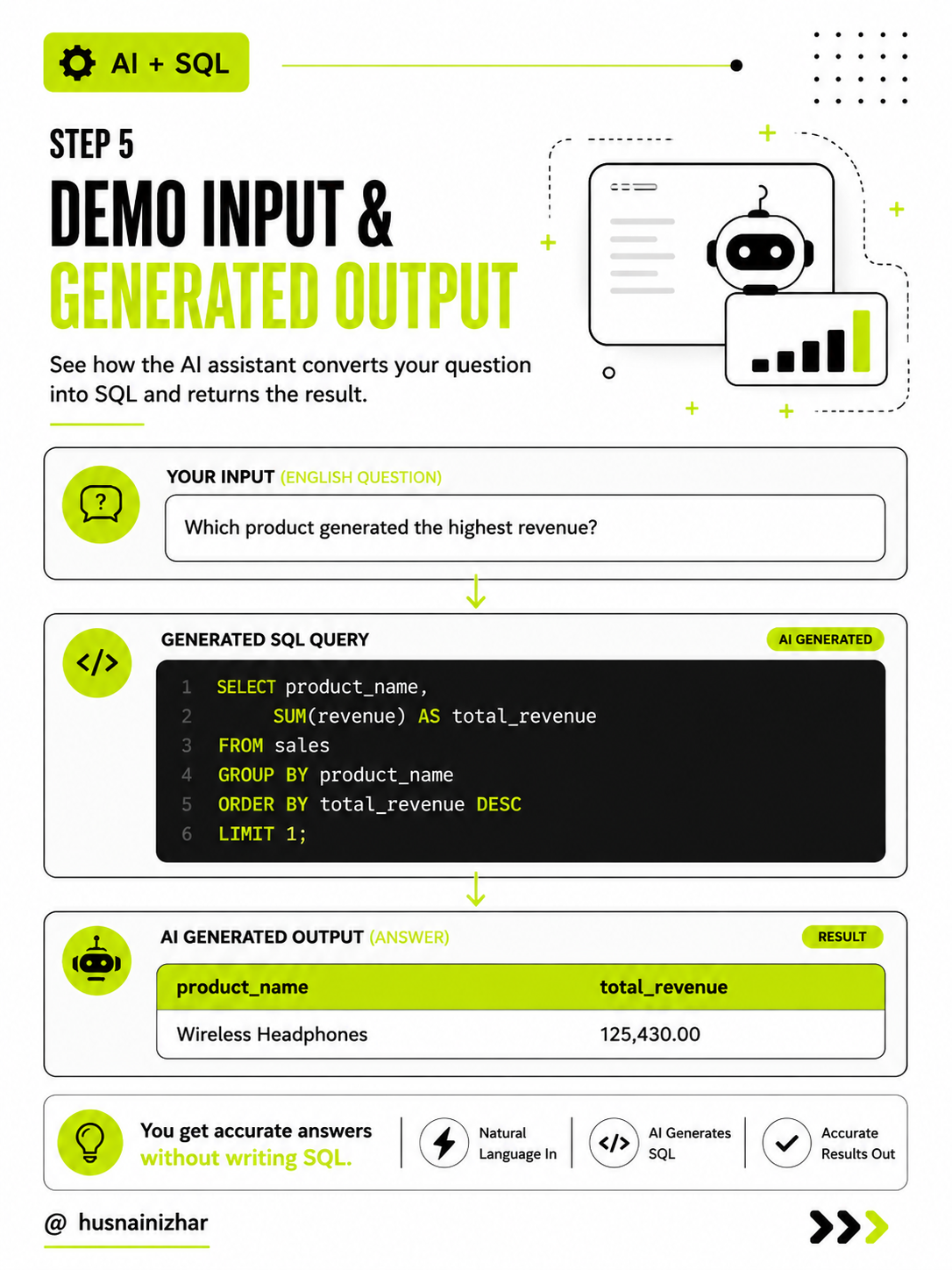
Input (English question):
"Which product generated the highest revenue?"
AI-generated SQL query:
SELECT product_name,
       SUM(revenue) AS total_revenue
FROM sales
GROUP BY product_name
ORDER BY total_revenue DESC
LIMIT 1;
Output (result):
| product_name | total_revenue |
|---|---|
| Wireless Headphones | 125,430.00 |
No SQL was written by hand. The AI understood the schema, generated a valid query, and returned an accurate answer — all locally.
Why This Approach Matters
- Accessibility — People on your team without SQL knowledge can now query the database directly.
- Privacy — Since everything runs locally through Ollama, sensitive data never leaves your infrastructure.
- Cost — No per-query API charges. Once the model is downloaded, it's free to run indefinitely.
- Extendability — This same pattern can be extended to more complex agents that handle multi-step reasoning, chart generation, or even natural language reports.
Wrapping Up
This is a solid weekend project if you want to get hands-on with how LLMs reason over structured data — and a great introduction to building agentic workflows with LangChain. From here, you could:
- Swap
codellamafor other local models available in Ollama - Add guardrails to prevent destructive queries (like
DELETEorDROP) - Build a simple front-end so non-technical users can interact with it directly
If you build your own version of this, I'd love to hear about it.
Follow along for more posts on building practical AI tools with open-source models.